
Professional development for skill building and knowledge sharing

We introduced a new professional development rhythm late last year. Every two weeks, we block four hours for skill building and knowledge sharing.
No meetings, no standups, just focused time to explore ideas that don't fit into regular sprint work. The kind of deep work that can scale performance and potentially help us handle more countries and tighter timelines.
The PD sessions have also kept us more connected as a distributed team working across different time zones. A few thoughts on how that's played out.
Working while staying ahead of the curve
We spent much of last year supporting country projects in Nigeria, Guinea-Bissau, Kogi State (also Nigeria), Liberia, and Burundi. Though the traditional support and funding structures are changing, we’ve been working with WHO's ESPEN program and ministries of health to help teams prepare for future mass drug administration campaigns and vaccination drives.
The delivery pace doesn't leave much room to step back and work on professional development. Last year we ran two Hack Weeks to solve specific bottlenecks. The first one dropped load times for large countries from 20+ seconds to under 1 second. The second in October 2025 fixed how we handle zoomed-out views so teams could see continent-wide patterns without the system choking up or returning errors.
Those focused sprints worked because we cleared everything else away. But you can't run Hack Week every month. We needed a recurring way to make sure we weren't missing blind spots or underutilizing new AI tools that a few hours every two weeks could help us catch.
AI tools changed how we approach professional development
AI tools aren't perfect, but ChatGPT and GitHub Copilot helped us handle a lot of the grunt work last year. That shift frees up bandwidth for deep work and creative thinking, but you need dedicated time to experiment, trust, and understand what newer tools like Claude Code can really deliver. So in late 2024 we formalized this PD plan for Thursday afternoons, every two weeks.
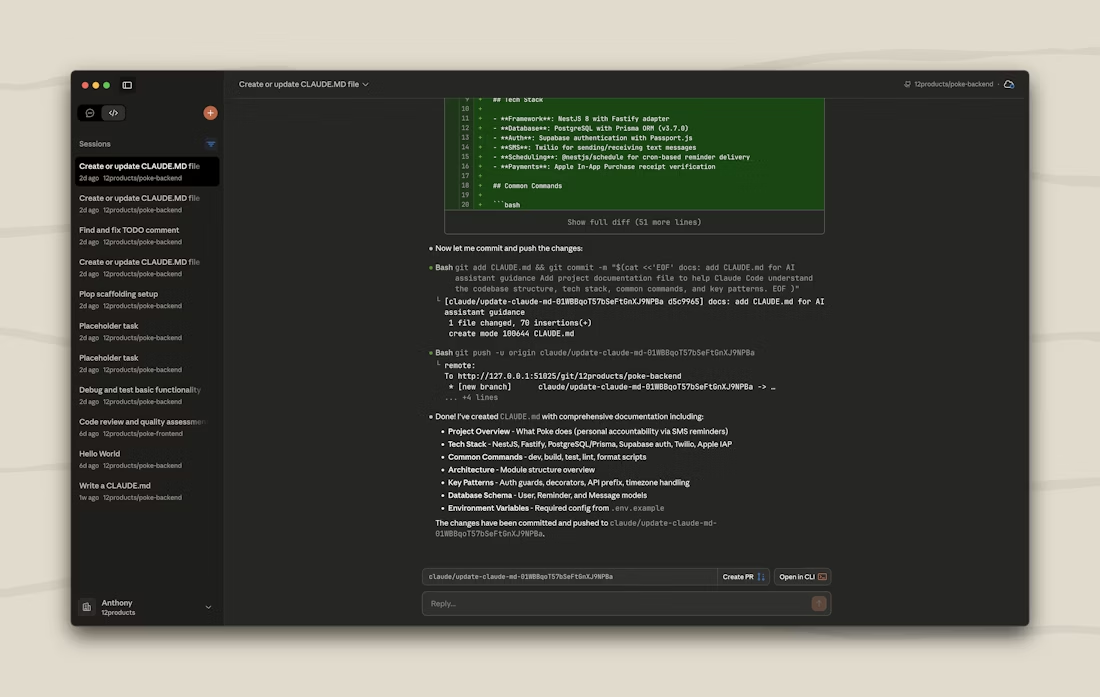
Each person explores something different, then we take a few minutes during sprint retro to share. This time gives us space to grow skills and brainstorm on big ideas, which isn’t always easy for a remote team. The collaboration is where we’ve seen the real compounding returns.
Exploring Claude Code “Skills,” brainstorming new workflows
For the first few blocked sessions, we decided to loosely orient around one question: how can AI play a bigger role in our work this year? Coite is constantly exploring these kinds of big-picture questions, so the PD sessions formalized for the team what he does naturally. Everyone approached their time differently.
Emanuel dug into Claude Code Skills. Skills are modular folders that extend Claude's capabilities. You teach Claude something once through a SKILL.md file, and it remembers those patterns without cluttering up future prompts. The key is they're model-invoked. Claude decides when to use them based on your request.
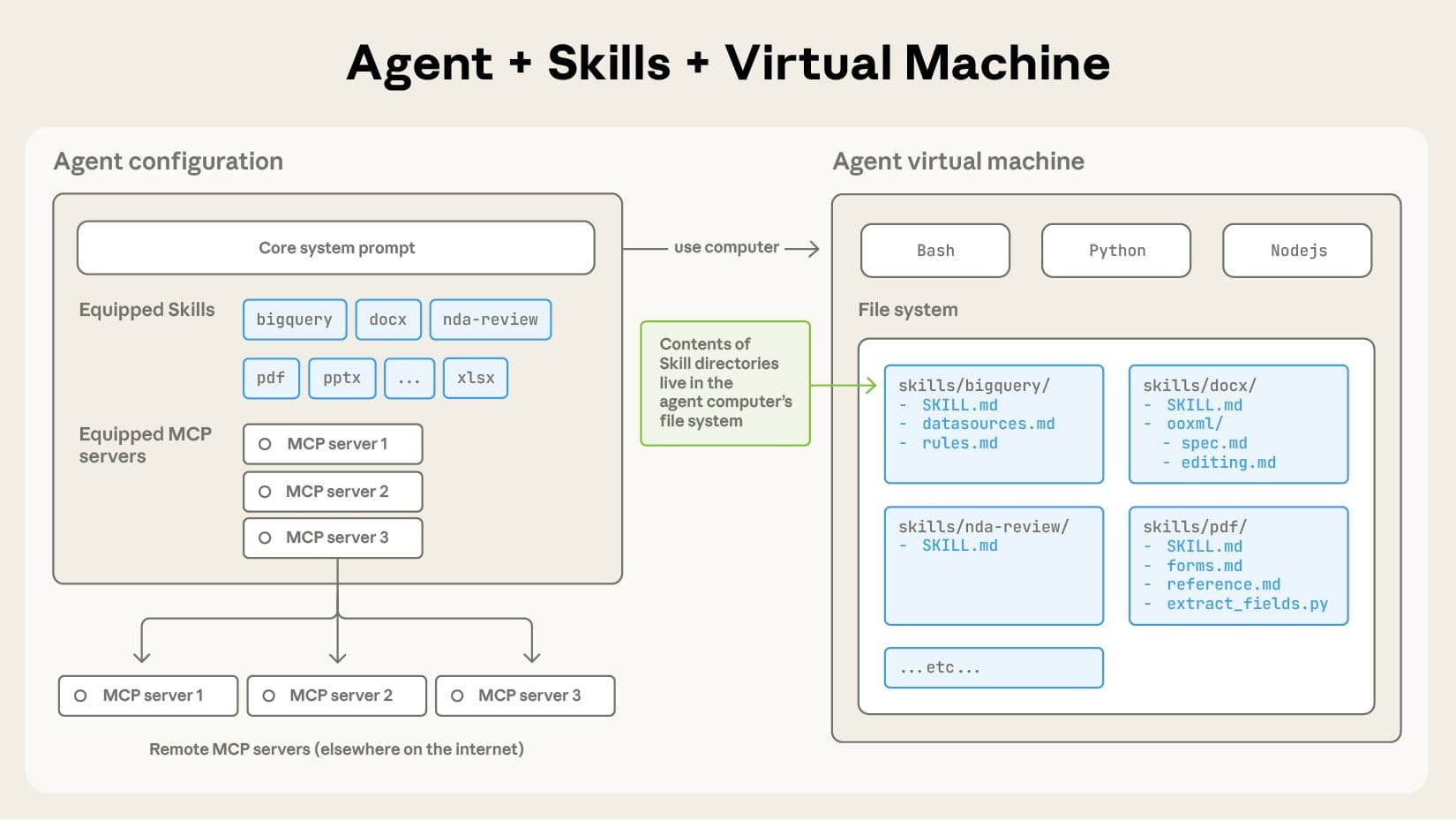
Emmanuel built two Skills for our codebase. The commit-helper Skill standardizes how we write commit messages. The create-pr Skill automates creating pull requests and pulls issue numbers from branch names. also looked at our 45 existing API endpoints to identify any notable patterns, then created a Skill that helps Claude build new endpoints the same way.
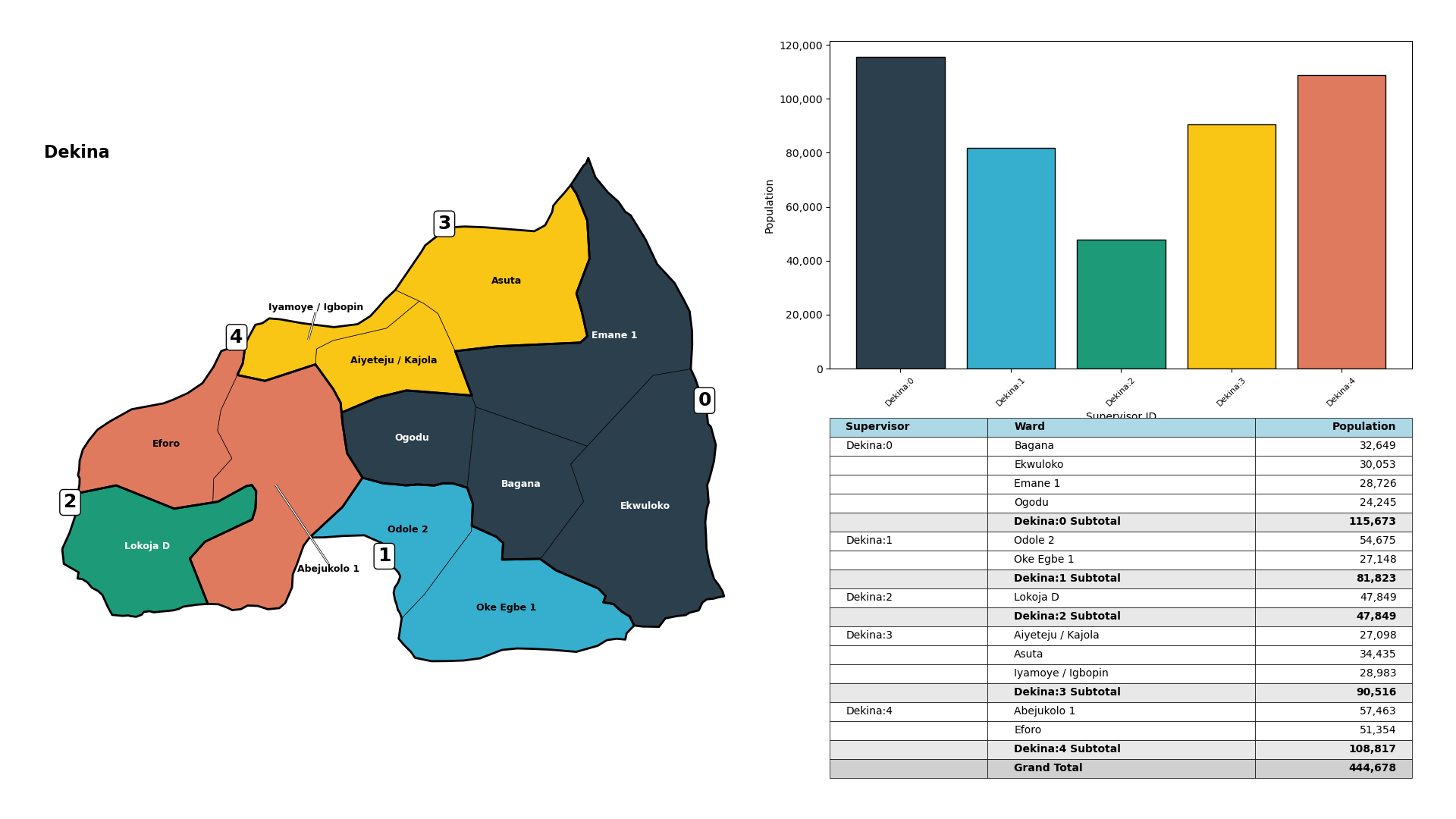
James built an iterative data visualization workflow using Claude in the terminal. The setup gives Claude access to a full repository of GIS data and code, so it can work with multiple Python scripts at once. We'll share details on that work in a future article, but the short version is that he created a way to generate map-based visualizations through natural language commands.
Brianna and Sam focused their PD on infrastructure and data pipelines. Brianna's already been working on optimizations – as we covered in December updates. Her PD time went toward the next phase of investigating whether we could shift heavy geospatial processing from AWS to a local machine. One of our biggest expenses comes from processing new countries, so this could make a big difference.
Sam's taken the lead on our preprocessing work. Before any country is available to use in the app, we need administrative boundaries, road networks, population data, and building footprints. Sam's been working on R script optimization for those steps, building out the pipeline that feeds Brianna's work. He's organized that foundational data for over 15 countries so far.
The sprint retro turned individual work into shared knowledge
At the end of that first PD session, everyone spent a few minutes during sprint retro explaining what they'd worked on. This is where we made some interesting connections between what everyone worked on.
When Emanuel explained Claude Code Skills – specifically how they're embedded knowledge that doesn't eat up context window – James immediately saw how it applied to his visualization work. He'd been teaching Claude his preferences through detailed one-off prompts. Emanuel plugged him into a better approach.
James realized he could package the patterns he'd been refining into a Skill the whole team could reuse. That connection between what Emanuel learned and what James needed was one of the most valuable outcomes. The individual research sessions turned into shared capability and efficiency.
Brianna and Sam's work connected differently. Sam's preprocessing pipeline feeds directly into Brianna's optimization work. The data he organizes is what she's working to process more efficiently. Their PD time let them each focus on their part of that pipeline, strengthening how those pieces work together.
Other items on the professional development tracker
The PD tracker has other items for future sessions. We’re looking at:
- Investigating terminal line prompts in the Crosscut App.
- Exploring QGIS plugins for common workflows.
- Getting more familiar with R script usage.
- Basic JavaScript training.
- Basic Docker training.
Some items directly improve the Crosscut App. Others help individual team members stay current with tools they use regularly. The mix feels right for us. The format works because the time is actually protected and ideas accumulate between sessions in a shared place we can all access.
Looking ahead to 2026
We plan to keep this rhythm going. The Brazzaville workshop in December reinforced why. Teams from 13 countries, all facing tighter budgets and smaller staff. Our tools need to handle that reality, and professional development time is how we make sure we're not just delivering what exists but thinking about what needs to exist.
Everything we build still goes into the free version of the Crosscut App. If you're running similar PD programs or have suggestions for what we should explore in future sessions, reach out through our Advisory Services.
Frequently Asked Questions
1. What is catchment mapping for geospatial microplanning?
Catchment mapping shows which communities fall within each health facility's service area. Microplanning uses those maps to organize campaigns at the community level – figuring out which teams cover which areas, where supervisors are needed, and how to reach harder-to-access populations. The Crosscut App (and white label versions of our tool like the ESPEN Geospatial Microplanner) make these maps accessible and editable without GIS training, so planning teams can actually use them during campaigns.
2. What does the Crosscut App actually do?
We build free mapping tools for health campaigns. The Crosscut App helps teams create catchment area maps showing which communities fall within each health facility's reach. No GIS expertise required. In 2025, with support from charitable foundations, we partnered with WHO's ESPEN program to expand geospatial microplanning capabilities across 43 countries in Africa for neglected tropical disease campaigns.
3. Why not just use QGIS like everyone else?
QGIS is powerful but built for GIS specialists. Editing a simple boundary means enabling topology settings, adjusting vertices one by one, and hoping you don't accidentally create gaps or overlaps. We built edit mode differently so you just paint areas from one zone to another, like using a brush tool. Planning teams can update maps themselves instead of waiting for a GIS consultant.
4. Does the app work with tools we already use?
Yes. Over 90% of microplanning still happens through Excel and email. We built features that work with those tools instead of replacing them. Send Excel templates via email, track which districts submitted plans, automatically flag unusual data, compile everything into a master plan. We also integrate with CommCare and ODK for automated daily maps, and you can export catchment areas to Power BI for dashboards. Fits your workflow.
5. Can you help with custom mapping projects?
Yes. Beyond the free app, our Advisory Services team handles custom geospatial analysis, training, and specialized data processing. We've built health facility catchments from geocoded data, used fuzzy matching to fix catchment maps, created balanced supervisory areas, and set up monitoring dashboards for campaign teams. Reach out through Advisory Services if you need support.
Related Posts
What GPEI's polio outbreak guidance says about catchment area maps

What WHO's routine immunization guide says about catchment area maps
What the AMP toolkit says about catchment area maps for ITN distribution campaigns
