AccessMod vs. The Crosscut App: Comparing catchment area mapping tools for global health

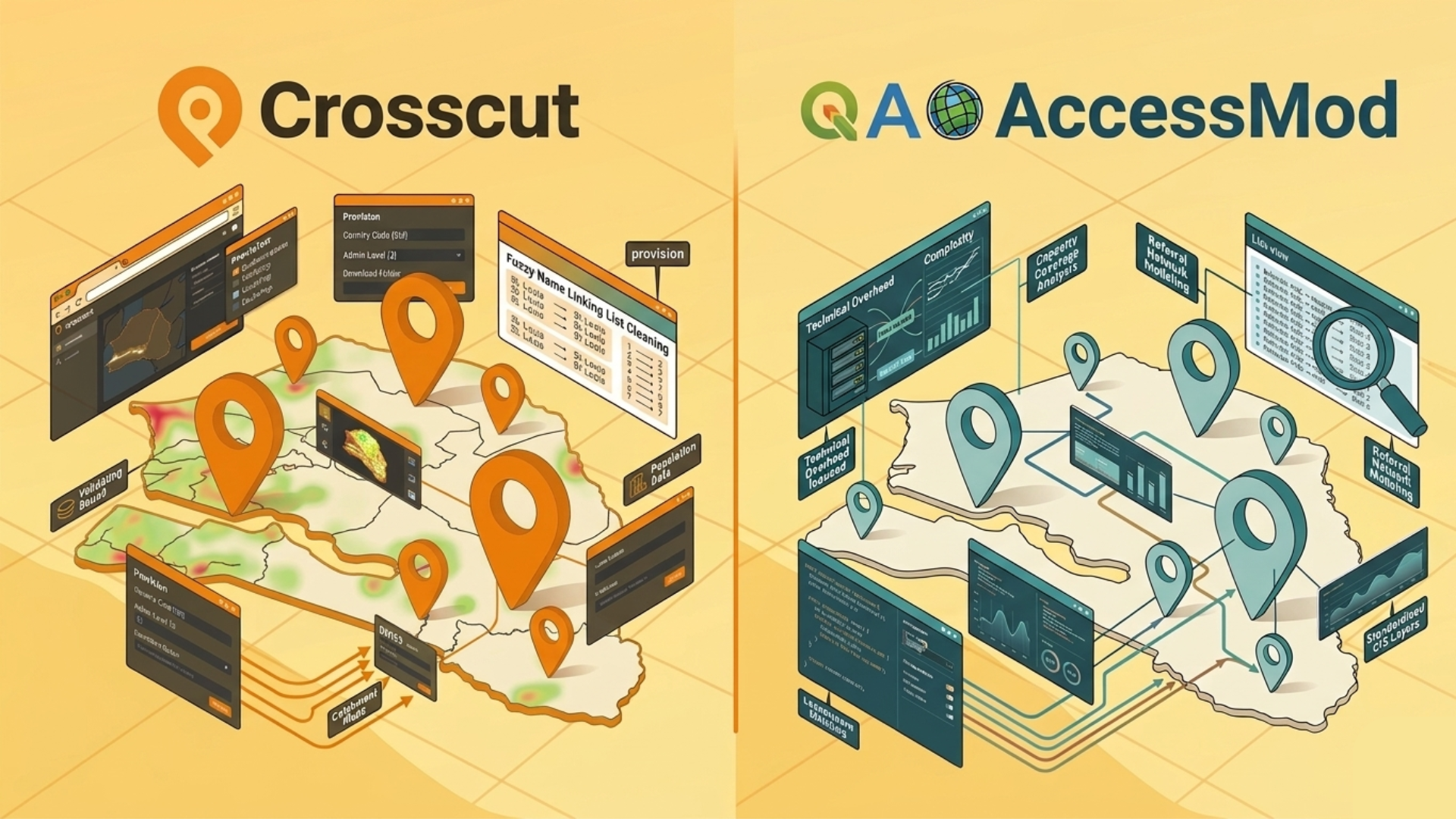
AccessMod is a powerful GIS tool. Developed by researchers at the University of Geneva with WHO support, researchers cite it, and the WHO Geo-enabled Microplanning Handbook recommends it specifically for teams doing accessibility modeling for global health campaigns.
The Crosscut App was started, in part, as a reaction to tools like AccessMod being too complex for most planning teams to operate. That's not a knock on AccessMod. It's just an honest framing of why the two tools exist and who they're each built for.
Both generate catchment areas using travel time rather than straight-line distance. Both are free in the sense that neither charges a license fee. The comparison is really about what it costs in time, setup, and expertise to get from zero to a usable (and editable) catchment area maps.
Who each tool was built for
AccessMod was built for GIS specialists and research teams who need maximum analytical flexibility and are willing to manage the technical overhead that comes with it.
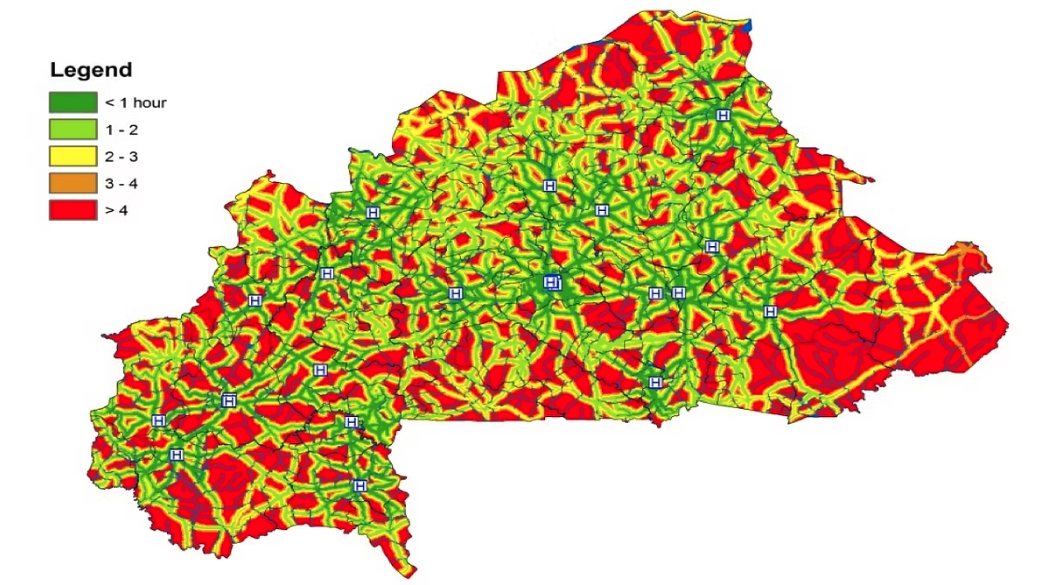
The Crosscut App was built for program managers and ministry staff who need catchment area maps they can generate, edit, and act on without a GIS background.
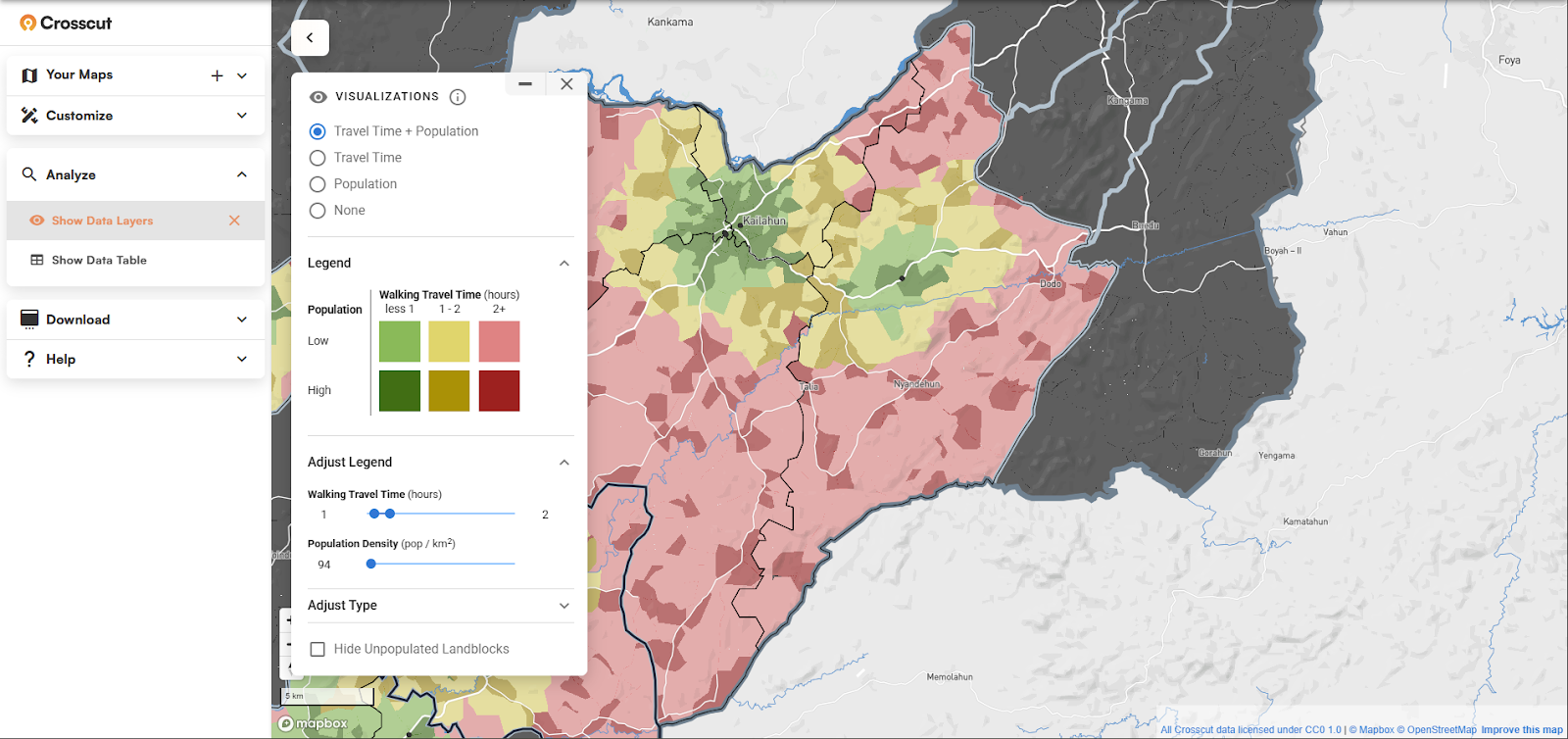
The WHO handbook describes AccessMod as appropriate for teams with lower resources relative to full GIS platforms like ArcGIS or QGIS. Crosscut sits further down that usability spectrum, so most of the heavy analysis is handled (pre-processed) before you open the app.
Getting started: Web-based vs. desktop install
The Crosscut App:

- Opens in a browser
- Upload your facility locations and start generating catchments
- Roads, population data, administrative boundaries, and building footprints pre-loaded
- No installation, no configuration, no data collection
AccessMod:
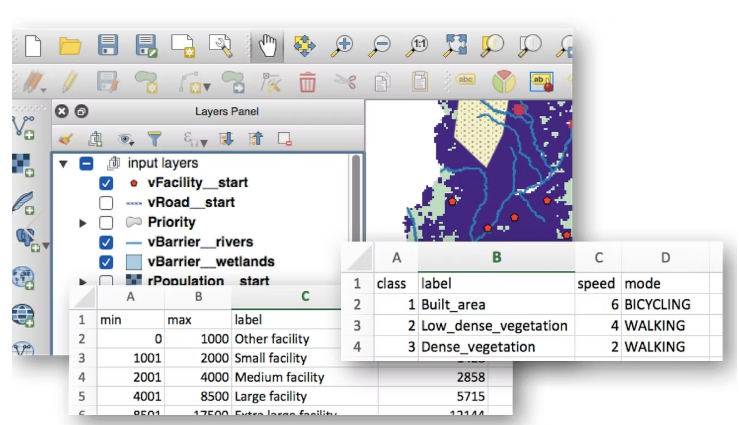
- Requires downloading and installing a virtual machine
- A virtual machine is practical for people comfortable with advanced technical environments like data analysts and software engineers but it's a steep barrier for non-technical teams
- A web-based version was developed with Bluesquare at one point but no longer appears to be available
This setup difference was, in many ways, the founding problem that led to Crosscut being built. But, as we’ll show, that doesn’t mean there isn’t a time and place for AccessMod.
Data and preprocessing
AccessMod gives you full control over your inputs, which is genuinely useful for specialized or custom datasets. The tradeoff is that you collect and assemble all the data yourself:
- Road networks, administrative boundaries, land cover, population rasters
- All layers must share the same projection and resolution before any analysis can begin
- Processing all the data runs on your local hardware
Crosscut outputs can be analyzed, edited as easily as using MS paint, and acted on directly within the app, and connect to the tools campaign teams already use:

- Population estimates from WorldPop, GRID3, Meta, and Kontur are pre-loaded
- Roads, building footprints from Overture, and administrative boundaries down to sub-district level are all available
- Coverage across 55 countries, with customizations through the team’s Advisory Services
WHO's own documentation notes that building a highly accurate AccessMod model can take weeks or months. For most planning teams, that ends up being a real cost to account for before a single catchment map gets drawn.
Speed and scale
AccessMod processing runs on local hardware. For country-scale analyses, your machine will slow significantly, and it's advisable to avoid other RAM-intensive tasks until processing finishes. You basically need to leave the computer alone as the processing runs.
Crosscut is cloud-based, meaning country size doesn't slow you down. Any backend improvements show up automatically for every user. AccessMod runs on local hardware. For country-scale analyses, plan for your machine to slow noticeably until processing finishes.
Creating catchment area maps
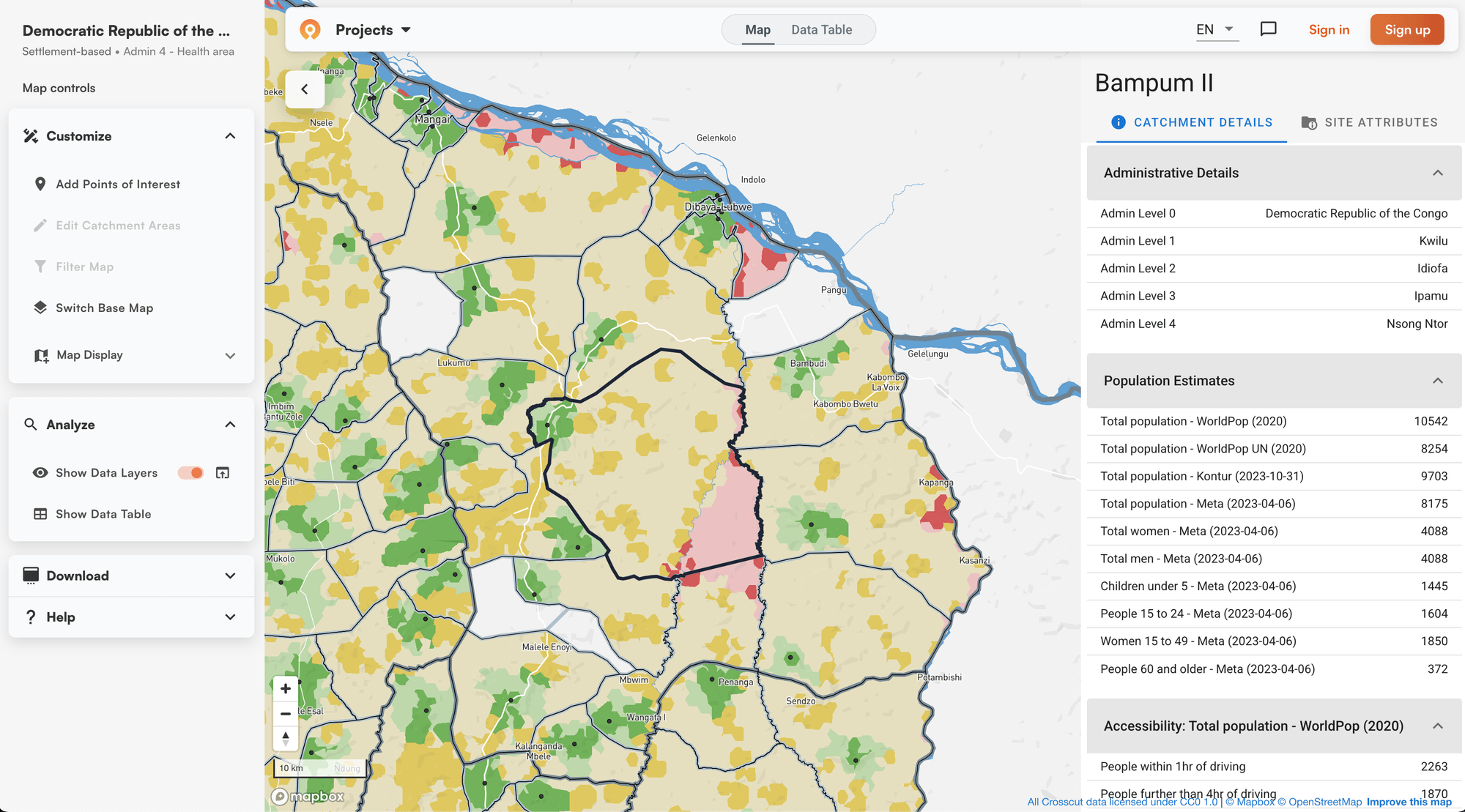
Both GIS tools generate catchment area maps based on how long it actually takes to travel somewhere. You get more information beyond just how far away a point is on a map.
AccessMod builds friction surfaces from scratch, factoring in road types, elevation, land cover, and barriers like rivers. It also accounts for terrain slope and direction, which produces more realistic travel estimates in mountainous or topographically varied settings.
Crosscut uses a similar approach but pre-builds those surfaces using our land block system, which divides countries into small geographic units that snap to roads, rivers, and natural edges. That's why maps load quickly in a browser, stay responsive on slow connections, and update in real time as boundaries are edited.
Outputs and integrations
AccessMod outputs are designed to flow into QGIS or ArcGIS for further edits and further analysis. There are no built-in connections to health information systems, and outputs are standard GIS formats that a technically proficient analyst can import into any platform.
Crosscut outputs can be analyzed, edited, and acted on directly within the app, exported to other GIS tools, and connect to the tools campaign teams already use:

- Population estimates from four sources simultaneously (WorldPop, GRID3, Meta, Kontur) so teams can compare and pick what to trust
- Field data collection via Excel and email to keep workflows consistent
- Catchment boundaries that feed into Power BI dashboards for program reporting
- Nested catchment territories that let teams create supervisory zones within existing facility catchment areas
- Fair supervisory area mapping that automatically balances workloads across operational units by population and travel time
- Supply planning outputs including commodity forecasts and dose estimates
- Direct integrations with DHIS2, CommCare, and ODK
- Printable maps and GeoJSON exports without additional software
The DHIS2 integration in particular has been a significant draw for national programs already operating in that global health ecosystem.
Cost and how to access the tool
Neither tool charges a license fee, but "free" plays out differently in practice.
AccessMod is technically self-service. Anyone can download and run it. But most teams don't have data analysts or engineers on staff. It's worth thinking of it the way you'd think about any open-source platform: what looks free on paper can carry real costs once you account for data preparation, technical setup, and ongoing maintenance. Most programs reach AccessMod through WHO-supported engagements or via consultants rather than standalone installs.
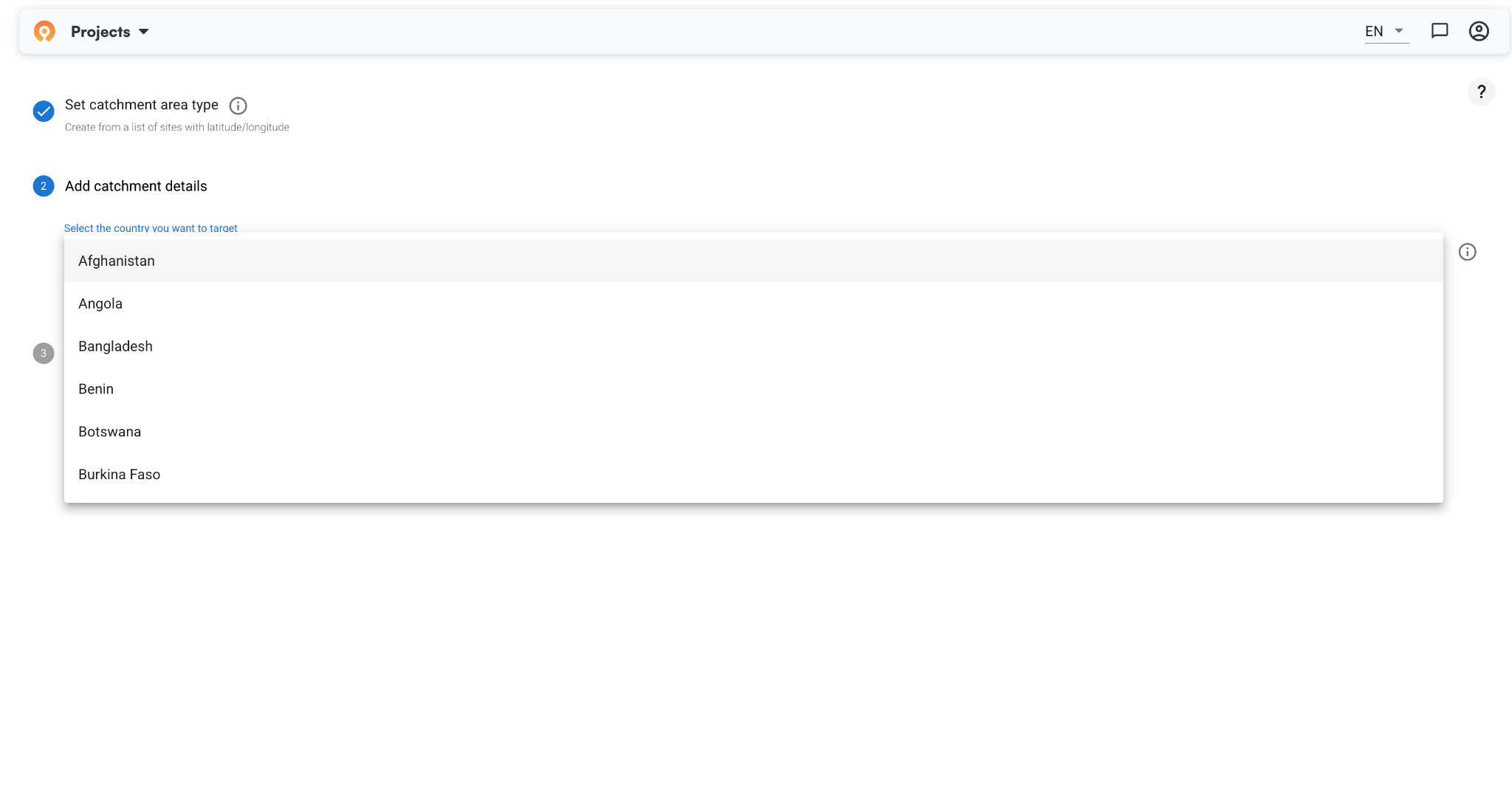
Crosscut is free software as a service. Any team can register and start generating catchment area maps today in about five minutes.
What AccessMod does that Crosscut doesn't
AccessMod has two specific capabilities Crosscut doesn't out of the box:
Referral analysis models travel time between facility types, not just between populations and facilities. It maps how primary health centers feed up into hospitals and district-level care. Crosscut can approximate this, but it's not a feature you run from the app.
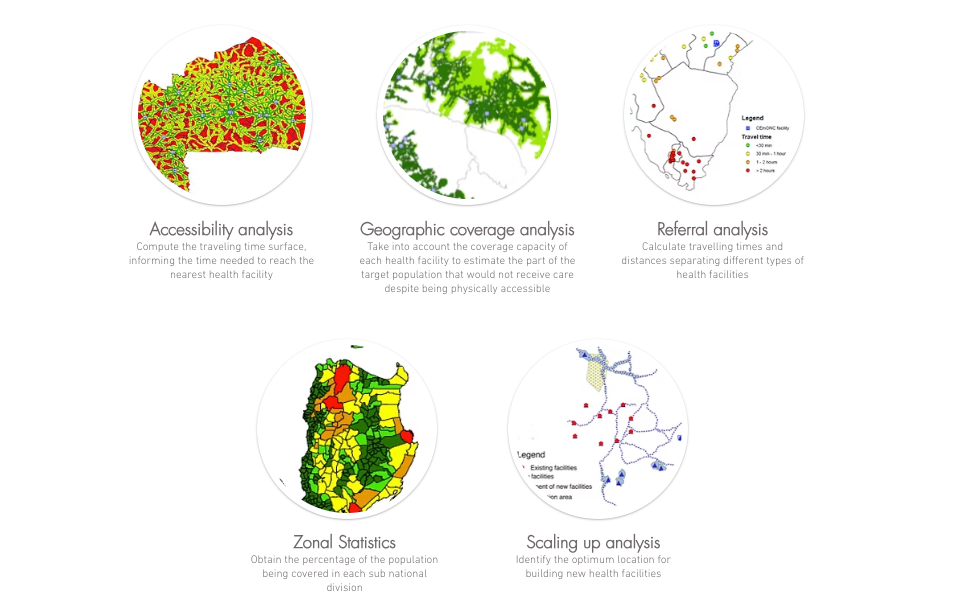
Capacity coverage analysis is more distinct. It estimates what portion of a population can physically reach a facility but won't receive care because the facility can't handle the demand. If a clinic has staff to see 90 patients a day but 300 people are in line, it isn't accurate to say all 300 have meaningful access, even if they live nearby. Crosscut doesn't address this natively.
If your program needs either of these, Crosscut's Advisory Services can work through custom analyses. But they're not what you get out of the box, and it's worth knowing that upfront.
When to use each GIS tool
Verdict: The Crosscut App is built for health planning teams, not GIS experts
For many organizations, these tools aren't really competing. AccessMod informs how a health system is designed. Crosscut supports executing campaigns within it. Ministry staff, field coordinators, and program managers without GIS backgrounds have used the app in active planning sessions across Nigeria, Guinea-Bissau, Liberia, and elsewhere.
If you're on the planning side, the Crosscut App is free and you can start today. If your situation calls for something closer to what AccessMod offers and you don't have the technical capacity to run it yourself, that's a conversation for Advisory Services.
Related Posts
What the AMP toolkit says about catchment area maps for ITN distribution campaigns

What WHO's immunization campaign guide says about catchment area maps
Madagascar's schisto MDA: Getting 19 district microplans into one place